Delegating your vote
Context
The Voting Market Maker concept is an essential part of the bribe economy as it enables the bootstrapping of gauge weight.
Market making in DeFi has been split into the capital coordination layer by AMMs, and the liquidity provisioning layer by individuals or professionals. The DeFi market-makers arbitrage the volume-to-depth opportunities between pools.
Due to the creation of liquid lockers, it is now possible to participate in the governance layer while retaining the ability to transfer and liquidate your position. This route was initiated by the “vlToken” model from Convex and created two new market-making opportunities. The first being delegated inflation management.
Pros
- Help mitigate the risk that individual players take control over base layers (Balancer or Curve) governances.
- Unifying rewards reduce gas cost, gives a better sight on dilution and vote efficiency
- Delegate the quantitative work to algo + experienced team > arbitrage and enhanced yield
- Better coordination among voter / governance layers / multi-chain participants (e.g Tetu / Aura)
How to delegate to Paladin
Visit https://quest.paladin.vote/#/autovoter
Click on Delegate, sign the transaction and that's it!
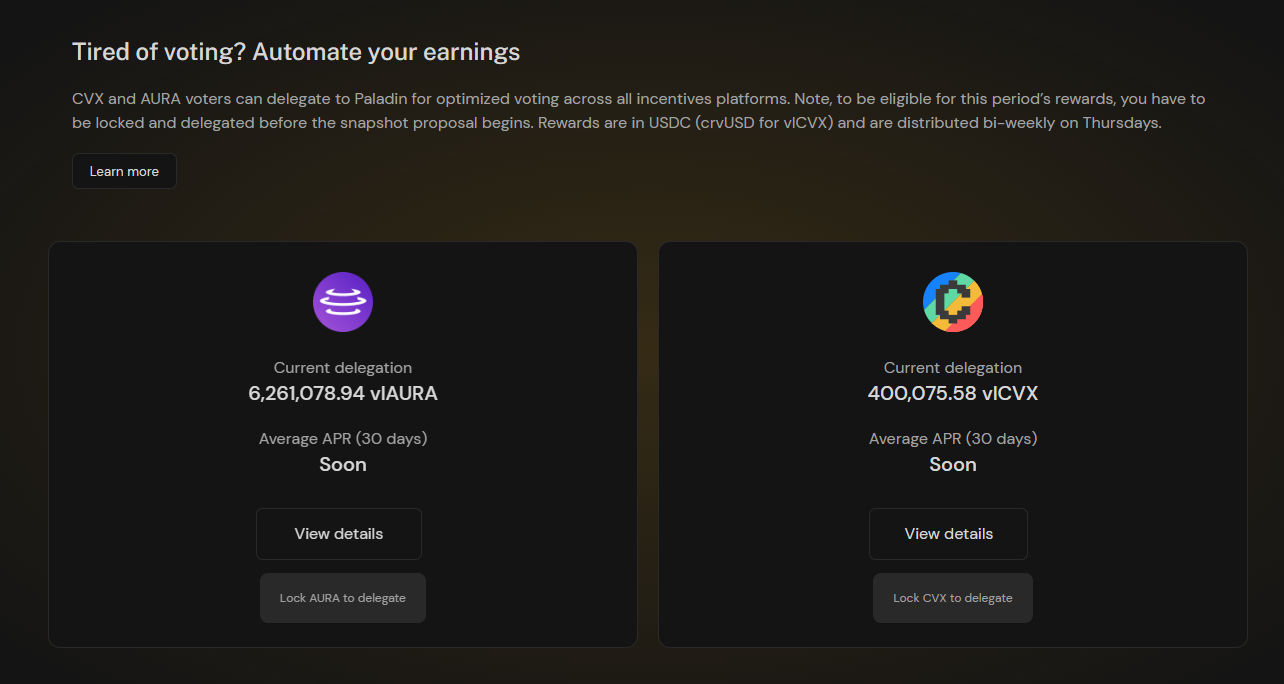
Delegation page
Addresses
Paladin-voter.eth (deployed on Ethereum & Polygon)
0x68378fCB3A27D5613aFCfddB590d35a6e751972C